
BERS Pro 6 video training
Learn the tool assessors trust, one short video at a time.
BERS Pro Training Centre
@BERSPro6 playlists30 videos coming soon
Short, practical videos that take you from installing BERS Pro 6 to sending a NatHERS certificate to your client. New videos are being recorded now. Ask to be notified and we will email you as each playlist goes live.
Playlists
Six playlists that follow the life of an assessment. Start at the top if you are new, or jump to the topic you need.
 4videos
Playlist 1
Getting Started
Install, sign in and get your bearings. Everything you need before you draw your first zone.
View playlist- 5videos
Playlist 2
Using the software
The workspace, the tools and the habits that make day-to-day modelling fast.
View playlist - 5videos
Playlist 3
Modelling a House: Basics
Trace a simple single-storey home from plan to first star rating.
View playlist 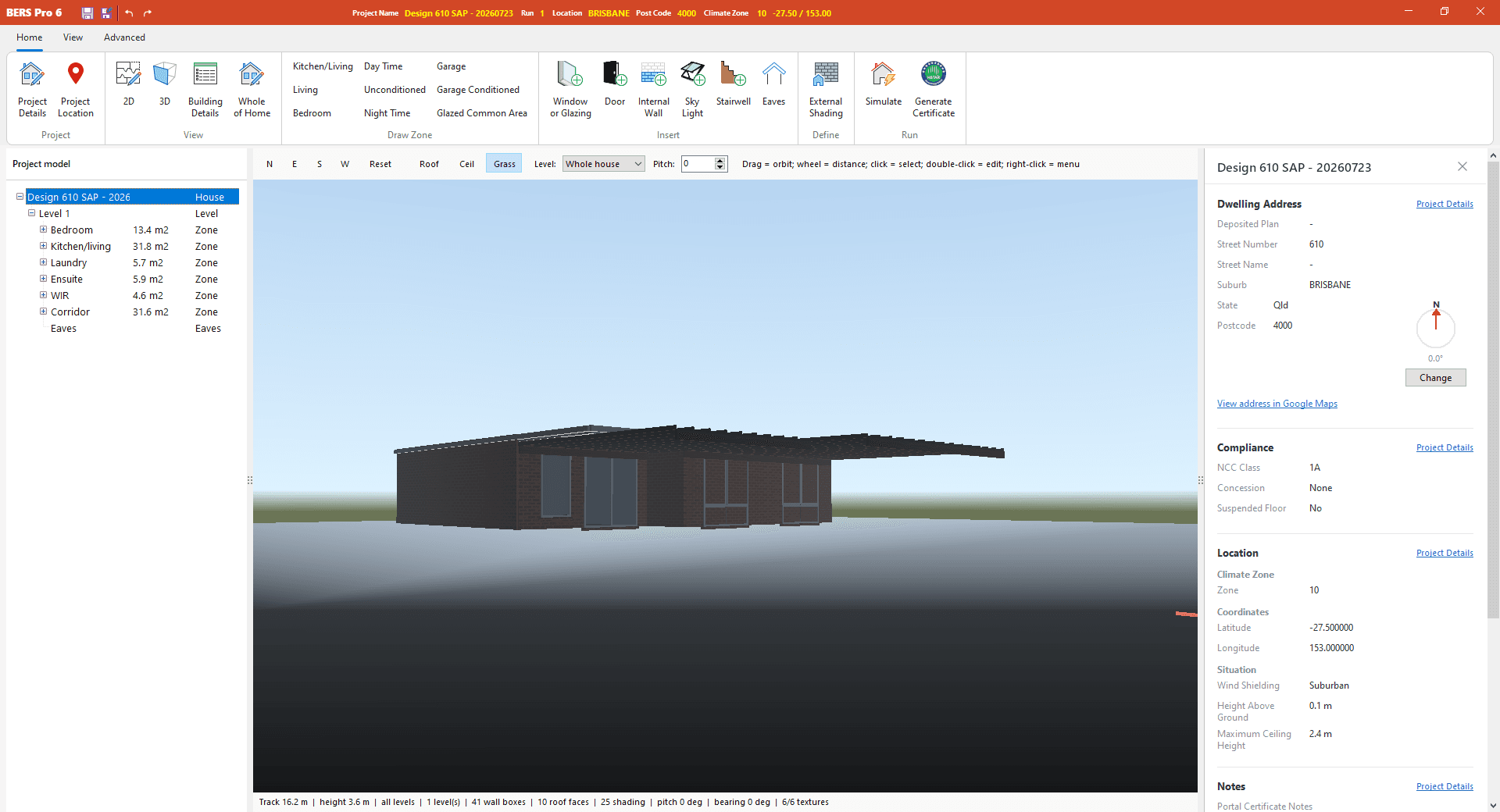 6videos
Playlist 4
Modelling a House: Advanced
Multi-level homes, complex shading, tricky floors and the details jurisdictions ask for.
View playlist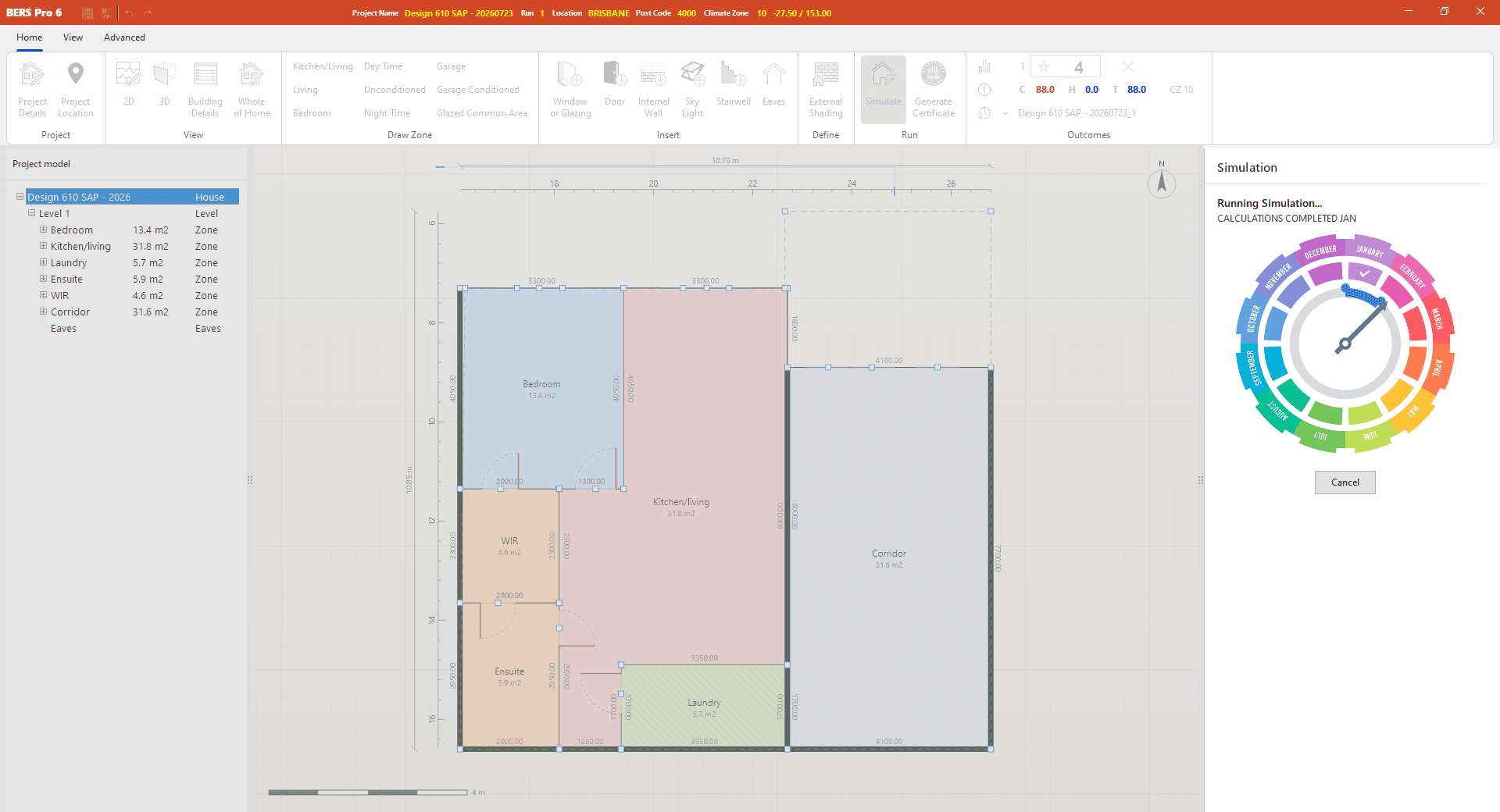 5videos
Playlist 5
Creating Options
Compare alternatives quickly and find the most cost-effective path to compliance.
View playlist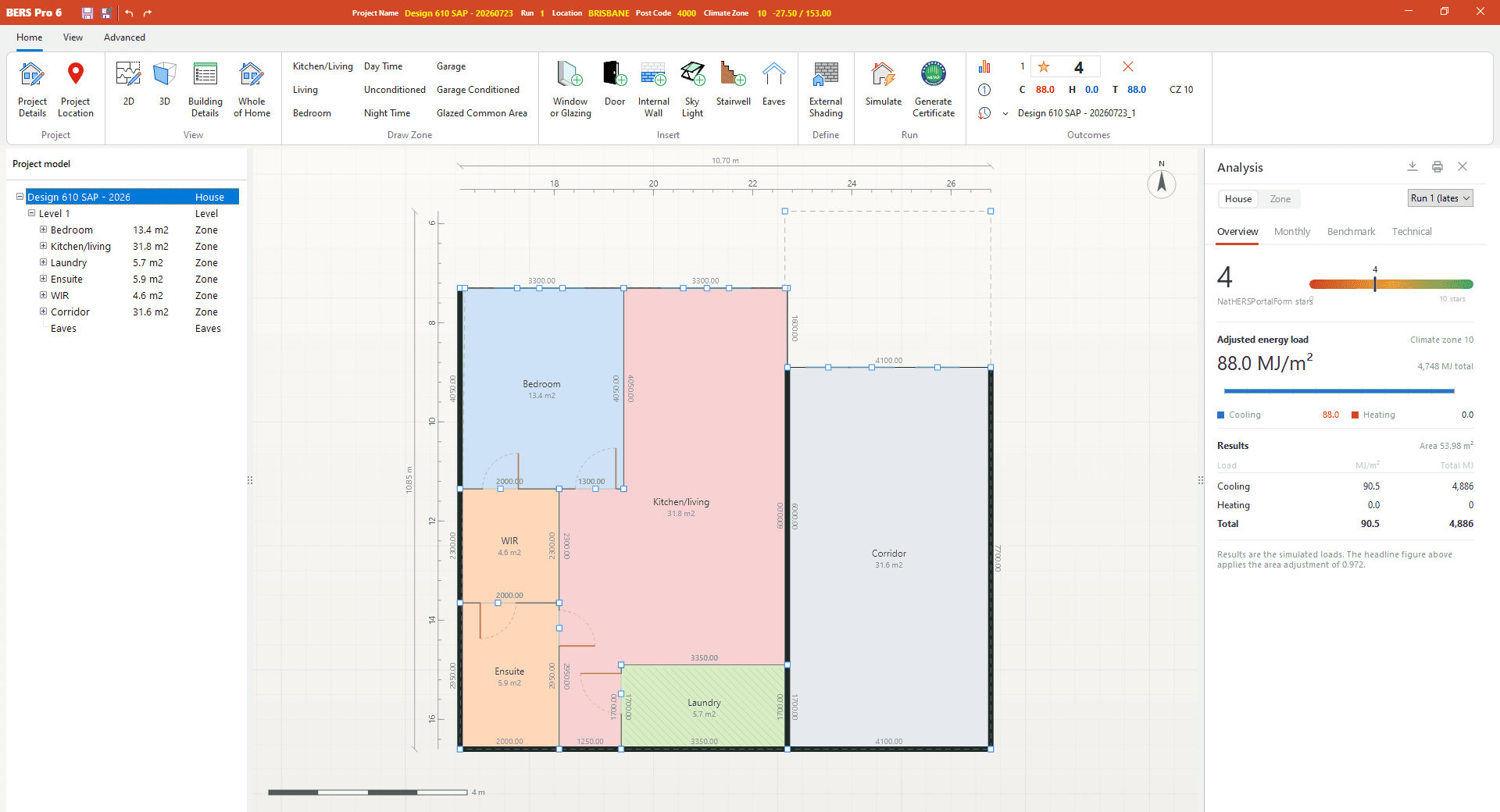 5videos
Playlist 6
Sending out the Results
Turn a finished simulation into reports, a certificate and a HERS Portal submission.
View playlist
 Coming soon~3 min
Channel trailer
Welcome to the BERS Pro Training Centre
A quick tour of what is coming: six playlists that follow the life of an assessment, from first install through to the certificate landing in your client's inbox. Each video is short, focused on one task and recorded in BERS Pro 6.
Notify mePlaylist 1 of 6
Getting Started
Install, sign in and get your bearings. Everything you need before you draw your first zone.
4 videosComing soon
- Coming soon~4 min1
Installing BERS Pro 6 and signing in
Getting StartedComing soon
Download the installer, get through Windows SmartScreen and sign in with your Energy Inspection account.
- Coming soon~5 min2
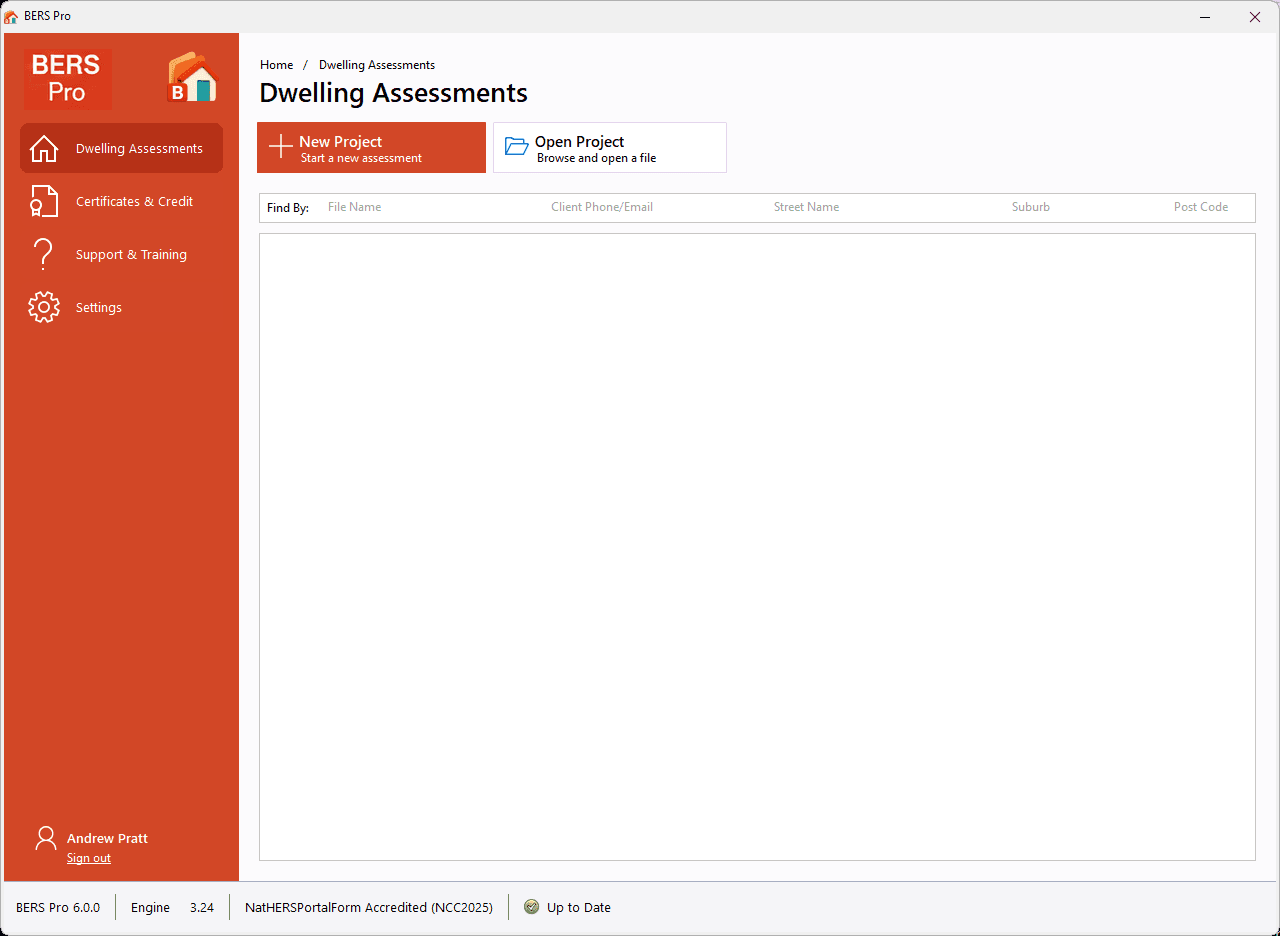
A tour of the launcher
Getting StartedComing soon
Dwelling Assessments, Certificates & Credit, Support & Training and Settings, and where to find each one.
- Coming soon~7 min3
Your first dwelling assessment
Getting StartedComing soon
Create a project, enter the address and dwelling details, and pick the right climate zone.
- Coming soon~3 min4
How BERS Pro stays up to date
Getting StartedComing soon
What the automatic updates cover (engine, climate data and compliance) and what to do when one arrives.
Playlist 2 of 6
Using the software
The workspace, the tools and the habits that make day-to-day modelling fast.
5 videosComing soon
- Coming soon~6 min1
The workspace: ribbon, panels and shortcuts
Using the softwareComing soon
Where everything lives, how to arrange the panels and the keyboard shortcuts worth learning first.
- Coming soon~5 min2
Loading a plan and calibrating the scale
Using the softwareComing soon
Bring in the architect's PDF or image, set the scale from a known dimension and lock it in place.
- Coming soon~8 min3
Project defaults and the reference catalogue
Using the softwareComing soon
Set constructions once so every new element is filled in for you, and browse the catalogue of walls, floors, roofs and coverings.
- Coming soon~4 min4
Undo, redo and zone validation
Using the softwareComing soon
Recover from mistakes cheaply and use the zone reference checks to catch problems before you simulate.
- Coming soon~6 min5
Importing FirstRate 5, Hero and BERS Pro 5 files
Using the softwareComing soon
Open projects from other tools, what carries across and what to check afterwards.
Playlist 3 of 6
Modelling a House: Basics
Trace a simple single-storey home from plan to first star rating.
5 videosComing soon
- Coming soon~9 min1
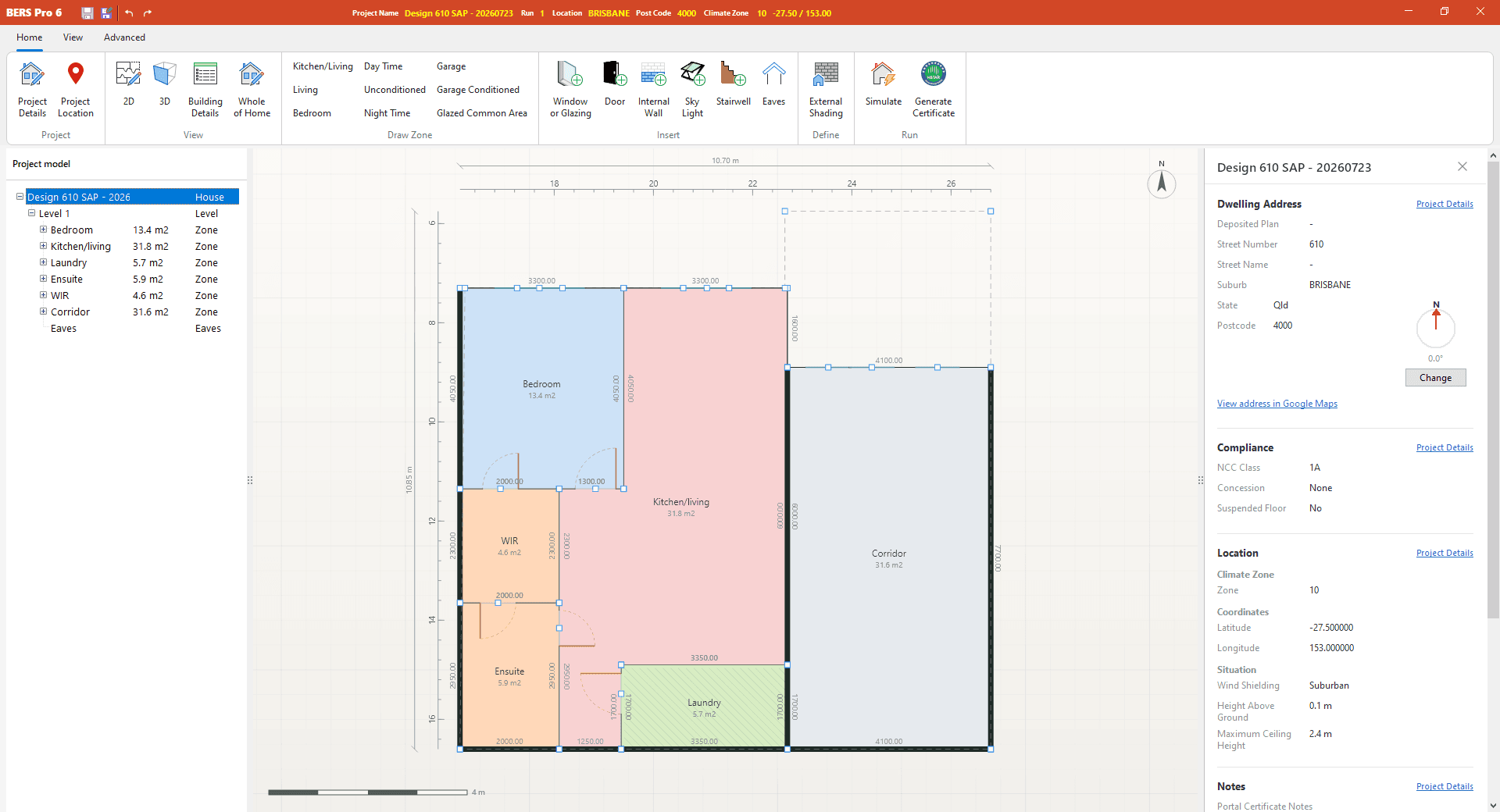
Drawing zones and assigning zone types
Modelling a House: BasicsComing soon
Trace living, kitchen/living, bedroom, unconditioned and garage zones, and why zone type matters to the engine.
- Coming soon~8 min2
Walls, floors, ceilings and roofs
Modelling a House: BasicsComing soon
Assign external, internal and upper walls, set the floor type and build the roof and ceiling.
- Coming soon~7 min3
Windows, doors and skylights from the WERS library
Modelling a House: BasicsComing soon
Insert openings, choose certified products from the WERS database and set frame and glazing details.
- Coming soon~6 min4
Eaves, orientation and true north
Modelling a House: BasicsComing soon
Set true north, add eaves and check the sun path in the 3D view before you simulate.
- Coming soon~5 min5
Running your first simulation
Modelling a House: BasicsComing soon
Press F5, watch the engine run and read the star rating, adjusted energy load and heating and cooling loads.
Playlist 4 of 6
Modelling a House: Advanced
Multi-level homes, complex shading, tricky floors and the details jurisdictions ask for.
6 videosComing soon
- Coming soon~10 min1
Multi-level homes, stair voids and level overlays
Modelling a House: AdvancedComing soon
Model a two-storey home with inter-level floors, stairwells and overlays to align levels.
- Coming soon~8 min2
Shading: pergolas, wing walls and neighbours
Modelling a House: AdvancedComing soon
Add horizontal and vertical shading devices and neighbouring obstructions, then verify them in 3D.
- Coming soon~7 min3
Suspended floors, slab edge insulation and waffle pods
Modelling a House: AdvancedComing soon
Explicit modelling of sub-floor ventilation, slab edges and waffle pod slabs.
- Coming soon~6 min4
Steel frames and thermal bridging
Modelling a House: AdvancedComing soon
Steel-framed walls with thermal breaks and applying thermal bridging where the jurisdiction requires it.
- Coming soon~9 min5
Class 2 and multi-dwelling assessments
Modelling a House: AdvancedComing soon
Organise apartments and attached dwellings so large jobs stay manageable.
- Coming soon~11 min6
Whole of Home: appliances, PV and battery
Modelling a House: AdvancedComing soon
Build a Whole of Home profile with heating, cooling, hot water, lighting, cooking, pool & spa, solar PV and storage.
Playlist 5 of 6
Creating Options
Compare alternatives quickly and find the most cost-effective path to compliance.
5 videosComing soon
- Coming soon~5 min1
Comparing runs side by side
Creating OptionsComing soon
Keep prior outcomes alongside the current run to see exactly what each change did.
- Coming soon~4 min2
Replacing glazing across the model
Creating OptionsComing soon
Swap glazing products in one action and re-simulate to test an option in minutes.
- Coming soon~6 min3
Batch simulating climates and Whole of Home profiles
Creating OptionsComing soon
Run one model across climate zones or several appliance profiles in a single batch.
- Coming soon~7 min4
Existing and proposed: pre- and post-renovation
Creating OptionsComing soon
Use the renovation simulation modes to model additions and alterations with existing and proposed runs.
- Coming soon~9 min5
Meeting NCC load limits at least cost
Creating OptionsComing soon
A method for working through insulation, glazing and shading options until the heating and cooling limits are met.
Playlist 6 of 6
Sending out the Results
Turn a finished simulation into reports, a certificate and a HERS Portal submission.
5 videosComing soon
- Coming soon~6 min1
Reading the analysis panel
Sending out the ResultsComing soon
Star rating, adjusted energy load, monthly loads, the NCC benchmark view and the technical metadata behind the result.
- Coming soon~4 min2
Exporting results to Excel and PDF
Sending out the ResultsComing soon
Produce client-ready reports and hourly Whole of Home data.
- Coming soon~6 min3
Generating the certificate package
Sending out the ResultsComing soon
Assemble the certificate XML, project file, engine input and plan images for thermal-only or Whole of Home certificates.
- Coming soon~5 min4
Uploading to the HERS Portal from BERS Pro
Sending out the ResultsComing soon
Submit and track your certificate through the embedded portal without leaving the application.
- Coming soon~4 min5
Certificate credits and re-issuing a certificate
Sending out the ResultsComing soon
Check credits from the launcher, top up, and what to do when a certificate needs to be re-issued.
About the Training Centre
The Training Centre is the video companion to BERS Pro 6. It is built for new assessors who want to be productive in their first week, and for experienced assessors moving across from other NatHERS tools who want to know how BERS Pro does things.
Every video is short and covers one task, recorded in the current release of BERS Pro 6. The playlists are ordered the way an assessment actually runs: get set up, learn the workspace, model the house, test your options, then send out the results and the certificate.
Videos are being recorded now and will be published here as each playlist is finished. If there is a topic you would like covered, tell us.
Need help right now?
Written guides and the BERS Pro FAQ are already available in the Help & Support centre, and the support team is a ticket away.